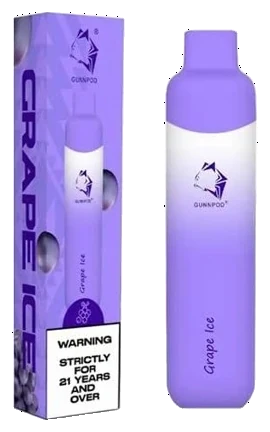


Panel 1
Check your device is genuine
Most major manufacturers print a holographic security label with a QR code or scratch-off code on retail packaging. Here is how to check it.
-
1
Inspect the packaging
Before opening, check that the seal is intact, the print is sharp and correctly spelled, and a batch or lot number is printed on the box.
-
2
Locate the security label
Find the holographic sticker, QR code or scratch-off panel. A genuine hologram shifts colour or depth when tilted; a flat printed image does not.
-
3
Scan the QR code and check the web address
Scan the code with your phone camera. Before entering anything, confirm the page address matches the manufacturer's official website exactly. Counterfeit packaging can carry QR codes that lead to look-alike sites.
Never enter payment details or passwords on a verification page. Genuine checks only ask for the security code. -
4
Enter or reveal the security code
Scratch off the panel if there is one and enter the code on the official verification page. A genuine code normally confirms as valid on its first check.
-
5
Act on the result
If the code is invalid, or reports that it has already been checked many times, do not use the device. Keep the packaging and receipt, and report it to the retailer and the manufacturer.
- Blurred print, misspellings or off-colour logos
- Missing batch number or security label
- QR code leads to an unfamiliar web address
- Code reports as already verified
- Price far below typical retail
- Taste, weight or finish differs from usual
- RELXSee the pod kits
- VaporessoSee the pod kits
- IGETSee the disposables
- AlibarbarSee the disposables
- Geek BarSee the disposables
- GunnpodSee the disposables
- Lost MarySee the disposables
- ELFBARSee the disposables